COFFEEBUDDY · YOUR COFFEE COMPANION

A good cup starts
with a conversation.
Talk about your taste, your coffee or what you feel like drinking today.
CoffeeBuddy connects you to the Citaly experience.
Open the downloaded APK and follow your phone’s prompts to allow installation from your browser.
AI service is included with yeema at no extra charge.

Scan with your Android phone
Download APK
FROM CONVERSATION TO COFFEE
Your next cup starts
with a conversation.
CoffeeBuddy helps you explore. Your machine does the brewing.
You can always review the details before you decide.
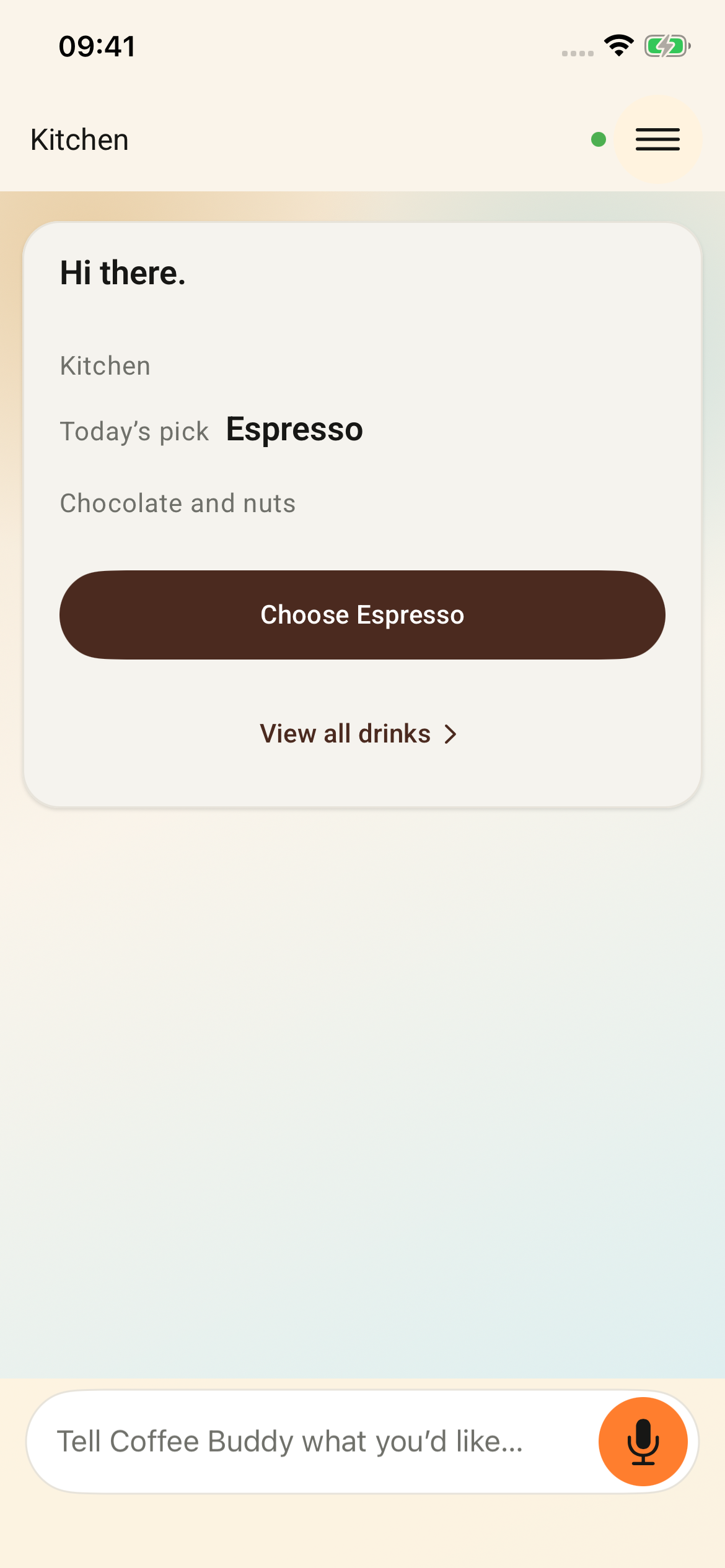
CoffeeBuddyIllustrative walkthroughI’d like something milder today.
How about a mild Americano? Before you confirm, check the machine, beans and suggested drink.
An illustrative walkthrough with example copy, not a live conversation or app screenshot. It does not connect to or start a machine.
- 01
Download CoffeeBuddy
Download the Android APK directly or install from Google Play. The iOS app is currently under App Store review.
- 02
Connect your machine, then link your account
Add your machine in Manage coffee machines. If it is not online yet, set up Wi-Fi first, then enter the 6-digit pairing code shown on the machine.
- 03
Choose your coffee and confirm
Make sure the machine is ready and a cup is in place, then review and confirm your drink in the app.
COMPATIBLE MACHINES
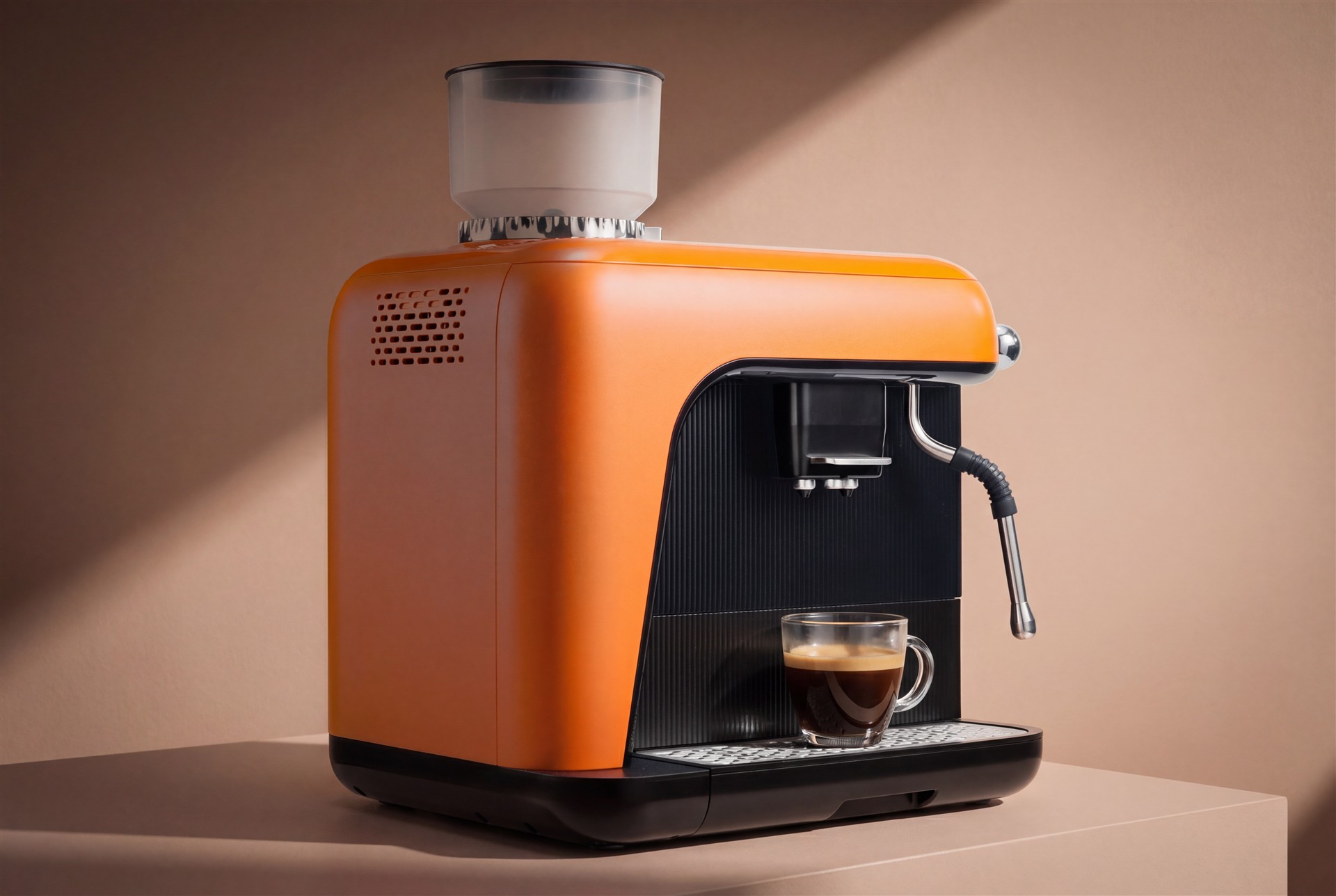
Meet yeema.
Machine connectivity and brewing features require a compatible coffee machine.
Explore yeema